ExamLuma for Android
Make each study day count
Explore the exam countdown, daily goals, study records, and practice trends in the app.

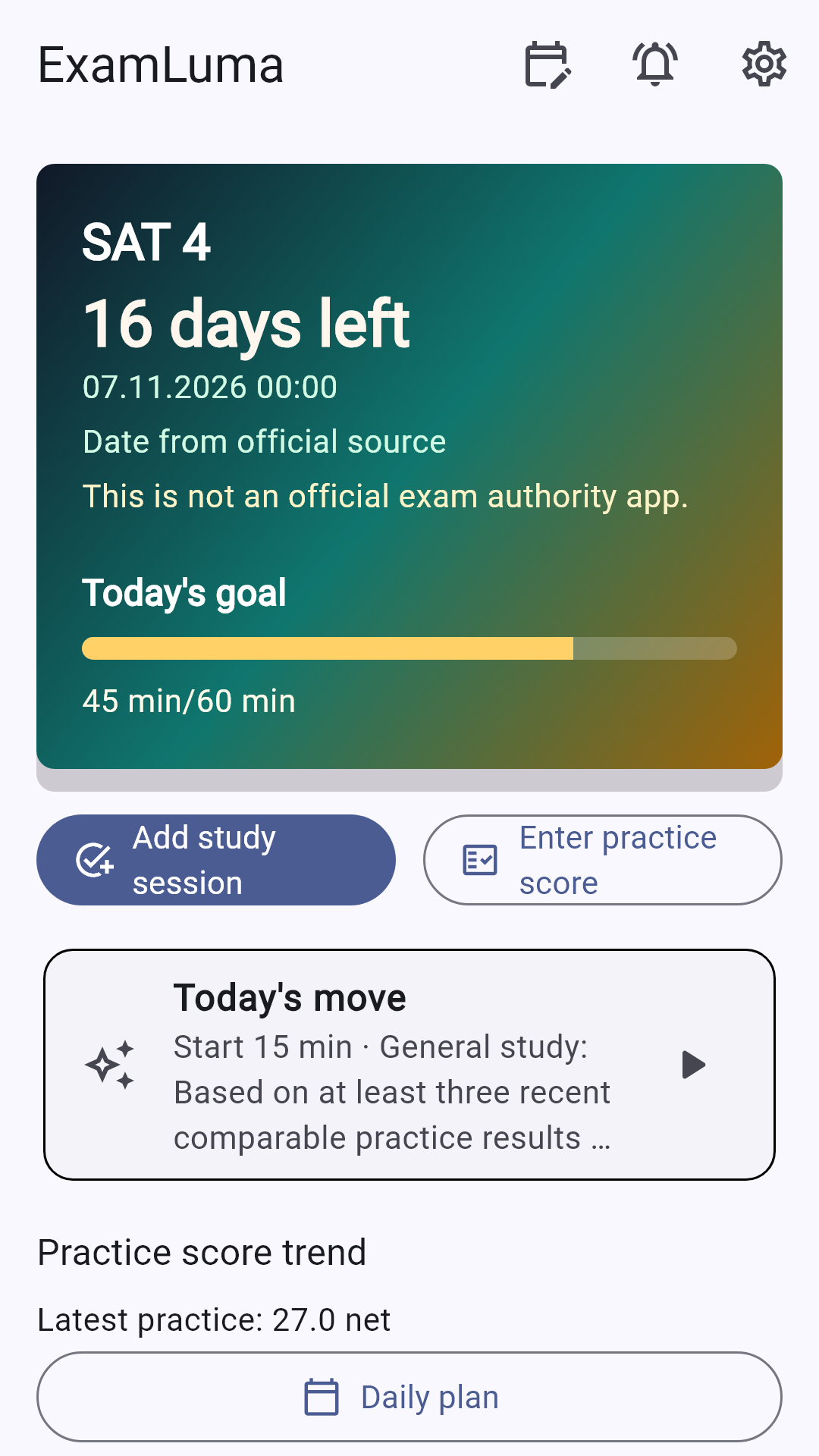
Choose your exam and sessions to bring your study routine into focus. Set a daily study target, start the focus timer, log your practice results by subject, and check your weekly study statistics in one Android app. Download ExamLuma for free and keep your exam preparation organized throughout the week.
Keep your exam countdown in sight
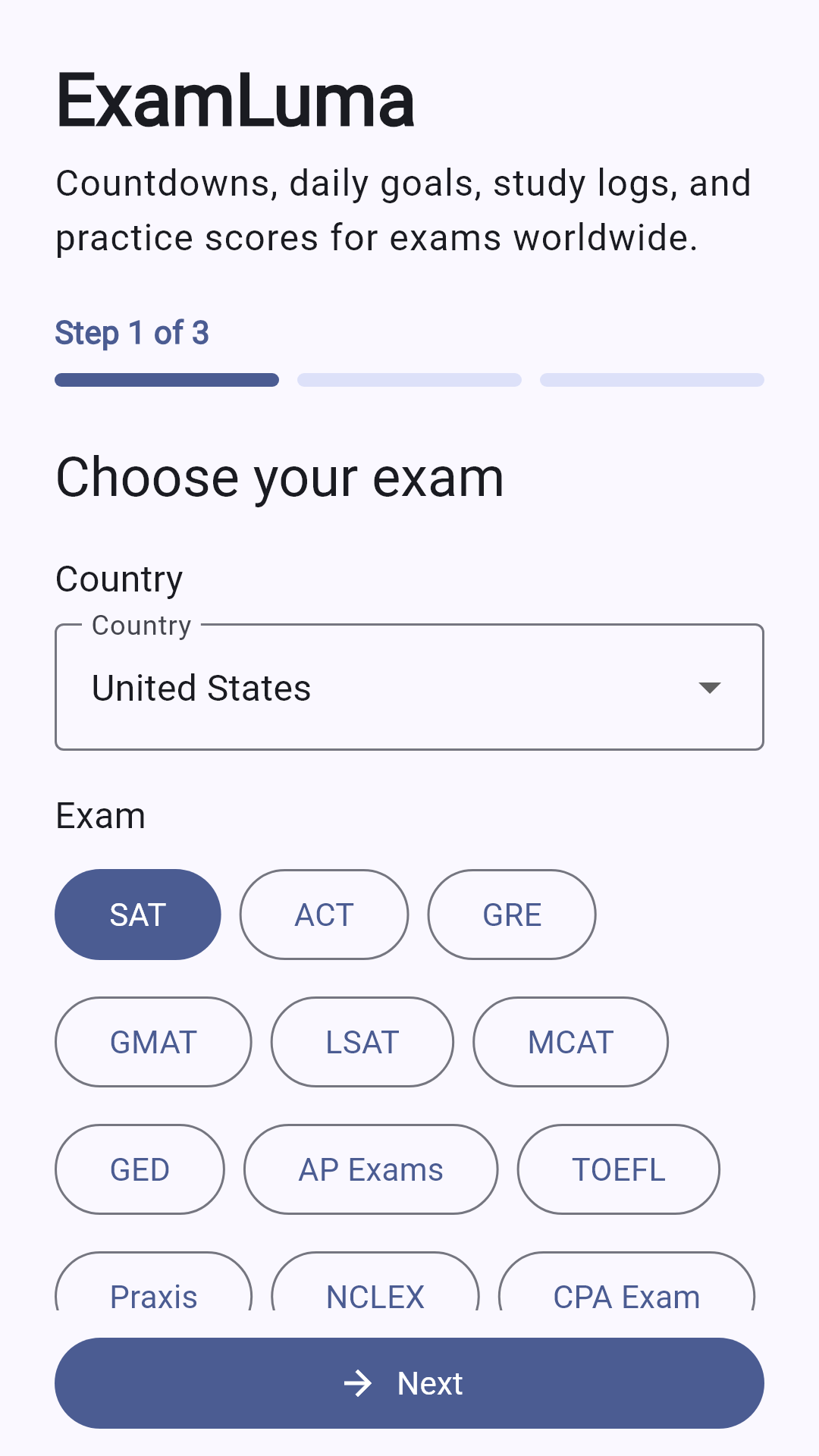
Select your exam during setup or add a custom exam and date to start your countdown right on your home dashboard. When you want to switch to a different test later, update your chosen exam anytime in exam setup.
Hit a clear daily study target
Set a daily study-time goal that fits your schedule and watch your progress bar fill up as you complete each block. Seeing your remaining minutes for the day helps you start your next study session on time.
Log study time and run the focus timer
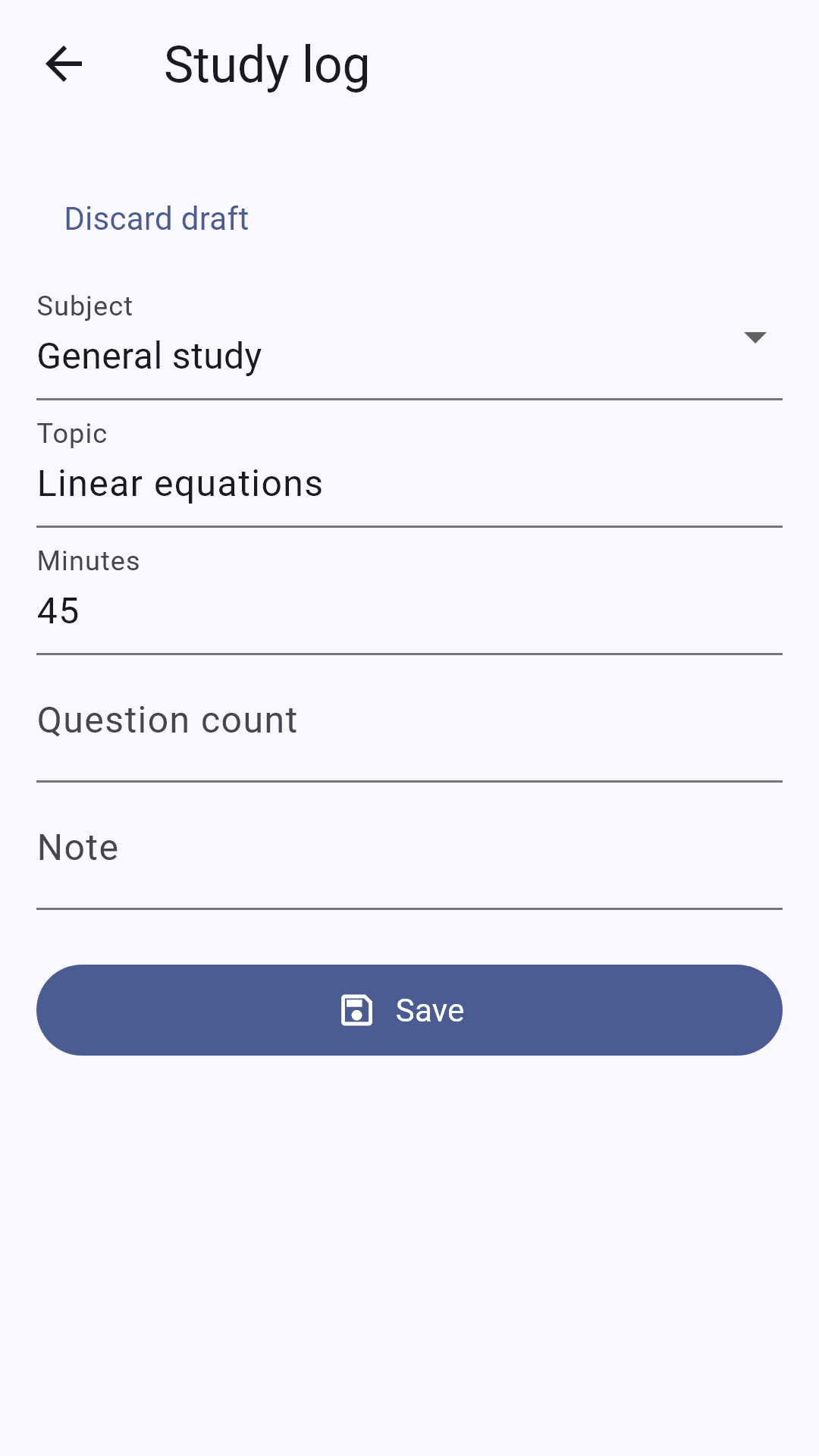
Start the built-in focus timer while you study, and your finished time saves straight to the selected subject. You can also record completed study time, solved question counts, and quick topic notes after any desk session.
Record practice test results by subject
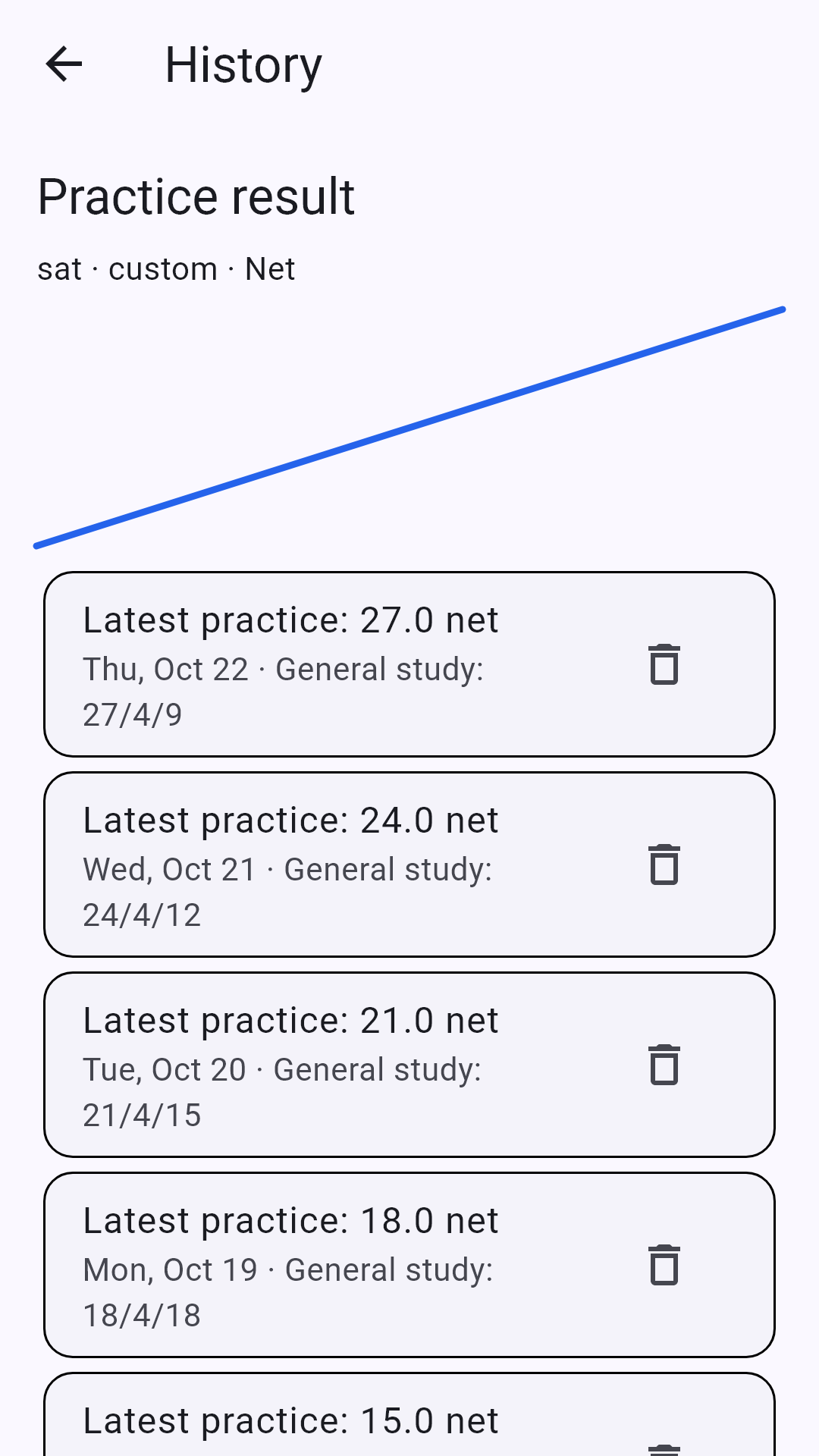
Enter your correct, wrong, and blank counts for each subject after every practice test. ExamLuma calculates your practice result using your exam's scoring rule and plots your trend over time so you can see where your numbers improve.
Review your weekly study statistics
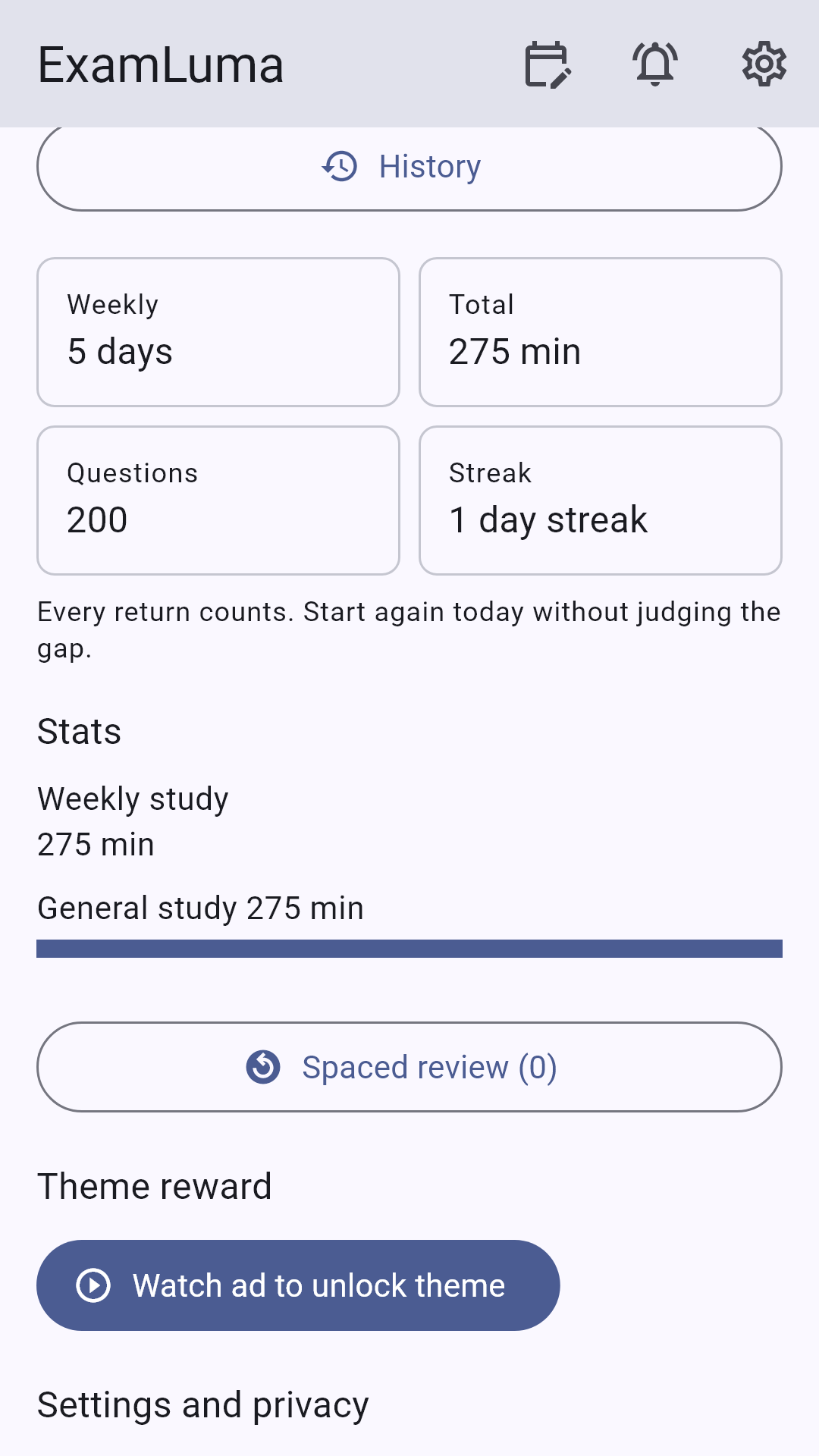
Open your progress view to check your weekly study statistics across all your chosen subjects. Spot which subjects got the most attention this week and balance your upcoming study hours before the next week begins.
Follow a structured study plan
Choose your exam's sessions and subjects during setup and follow a clear study plan tailored to your selection. Having your subjects organized in one place makes it easy to decide what to study next each day.
Study in 21 supported languages
Use ExamLuma in the language that feels most natural to you. The app interface supports 21 languages, letting you navigate your countdown, study logs, and weekly statistics comfortably from day one.
Go ad-free with offline access
Download ExamLuma for free and start organizing your study routine. Choose optional Premium for ad-free use and up to 7 days of offline access, then keep your goals and completed study records together as you prepare for your chosen exam.
Frequently asked questions
How do I set up my exam and countdown in ExamLuma?
Pick your exam, sessions, and subjects during setup, or create a custom exam and date. If your plans change later, you can switch your chosen exam anytime in the exam setup menu.
How does the focus timer work with my subject logs?
Choose a subject and start the focus timer when you sit down to work. When you finish the session, ExamLuma adds that completed time directly to that subject's study record, where you can also log solved question counts and topic notes.
How are practice test results tracked?
After a practice test, enter your correct, wrong, and blank question counts by subject. ExamLuma applies your selected exam's scoring policy to your practice records and shows your overall practice-result trend across past logs.
What is included with optional Premium?
ExamLuma is free to download and use in 21 languages. Upgrading to optional Premium removes ads for ad-free use and provides up to 7 days of offline access.