Progress Monitoring: Tracking Study Records Over Time
Progress monitoring is the habit of reviewing comparable study and practice records over time so you can decide what to study next. By looking at your completed sessions, topic quizzes, and response patterns side by side, you replace guesswork with clear records and direct your upcoming study time toward the highest-priority skills.

Last updated:
Progress monitoring is the practice of reviewing comparable study and practice records over time to decide which learning tasks to schedule next. Instead of treating each quiz or practice set as an isolated event, you compare results across matching subjects and task types to see how your understanding develops.
The IES practice guide emphasizes identifying knowledge gaps through regular testing and using that feedback to guide future study. For example, tracking your practice accuracy across several grammar drills shows whether your command of punctuation rules is stabilizing or needs fresh worked examples.
Whenever your records highlight a specific skill gap, you can immediately schedule targeted retrieval quizzes and problem-solving blocks in your upcoming week.
How ExamLuma helps
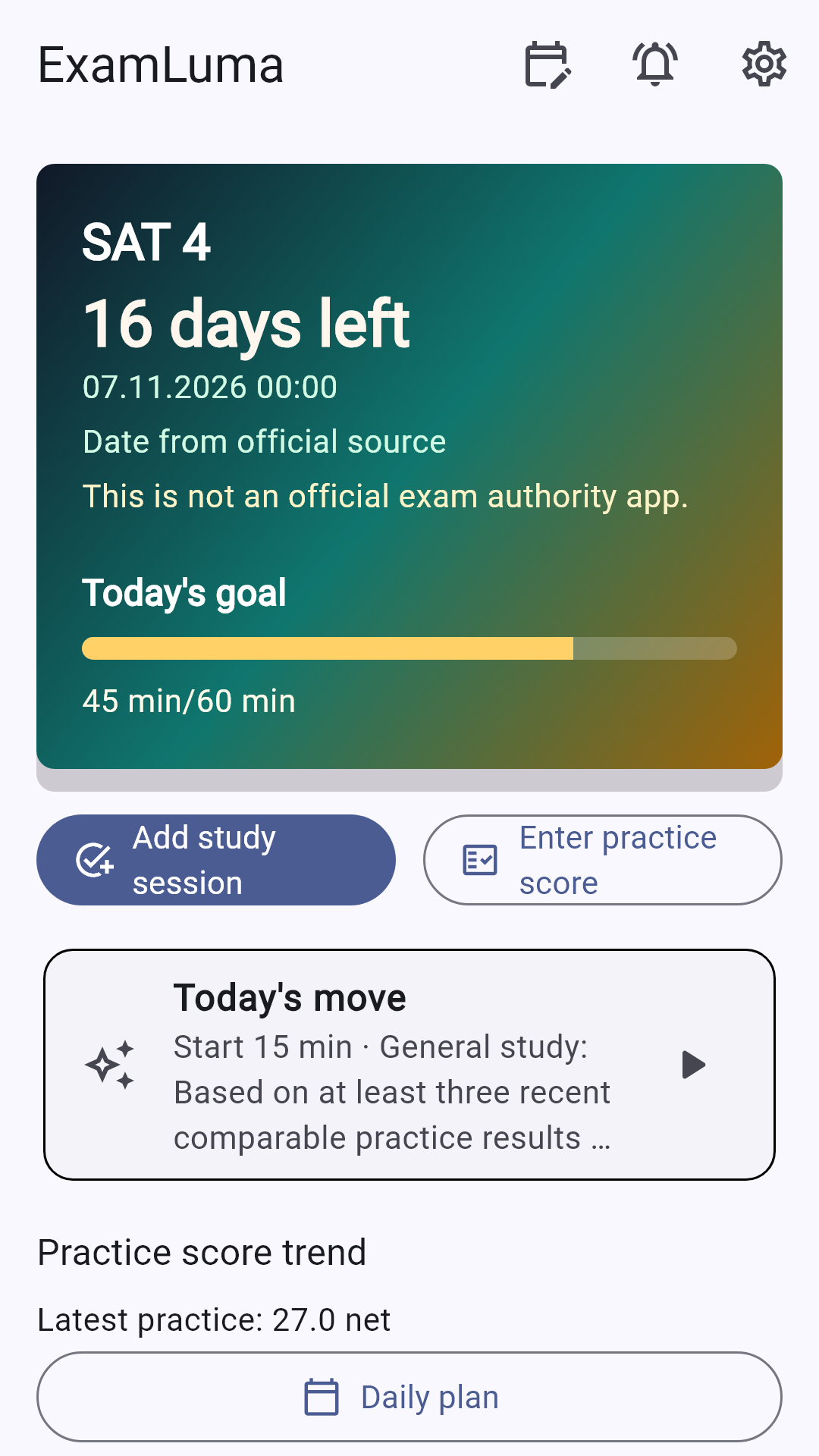
Keep track of your study plan in ExamLuma. ↗
Set a daily study goal and follow your progress. ↗
Record completed study sessions. ↗
Frequently asked questions
What records should you compare during progress monitoring?
Compare similar tasks within the same subject and question format, such as weekly retrieval quizzes on algebra or timed reading sets.
How does progress monitoring change your upcoming schedule?
When your records show steady mastery in one topic and recurring errors in another, you shift upcoming study blocks toward the topic that needs practice.
How often should you review your study records?
Check your records after completing a practice set and conduct a broader review at the end of each week when building your next schedule.
Sources
- Organizing Instruction and Study to Improve Student Learning · Institute of Education Sciences · 2007