How to Prepare for a Digital AP Exam in Bluebook
Check how your AP course collects answers, then rehearse on the device you expect to use. Open the subject preview in Bluebook when it becomes available, try a task that involves moving between the prompt and your response, and bring any setup questions to your AP coordinator.

Last updated:
Find out where each answer goes
Look up your course on the College Board exam modes page. In a fully digital exam, you enter your answers in Bluebook. In a hybrid digital exam, you answer the multiple-choice questions in the app and handwrite your responses to the onscreen free-response questions in an exam booklet. Some courses also have portfolio requirements, and others use portfolio assessments. Find the entry for your own course before deciding what to rehearse.
Suppose you are preparing for AP English Language and Composition and AP Biology. The current modes list puts English Language under fully digital exams and Biology under hybrid digital exams. For English, practice shifting your attention from a passage to a typed paragraph. For Biology, practice holding your place in an onscreen data table while labeling the corresponding part of a handwritten response. The difference shows up in your hands as much as on your screen. College Board lists the format for each course.
Try the device you expect to use
Ask which device your school expects you to bring or use. If the school manages it, ask your teacher or AP coordinator about installation. If you are using a personal device, follow College Board’s setup instructions. When your exam is available, look under Your Tests on the Bluebook home screen. If a listing looks wrong, tell your coordinator the course name and what you see. College Board’s AP testing instructions cover preparation and check-in.
Choose a spot where you can set the device down as you would in a classroom. If your course calls for handwriting, leave space for paper beside the screen. Read a prompt at the size you find comfortable and see whether you can move from the question to your writing area and back. A chair, keyboard, or screen position that seemed fine for homework can feel awkward once you are copying a label from a graph.
Use the preview to answer a practical question
In Practice and Prepare, look for the preview for your AP subject when it becomes available. Choose something you want to learn about the interface before you start. You might ask, “Where do the directions end and the task begin?” or “Can I find the part of the passage I used after I start typing?” The Bluebook preview is untimed and unscored, so you can spend the whole exercise exploring that question.
For a typed response, draft a claim and a supporting sentence. Go back to the prompt and check the exact wording of the task, then return to the response and revise only the sentence that needs work. Notice which action makes you lose your place. If scrolling back is the issue, remember a distinctive word in the prompt so you can find the relevant line again.
For a handwritten response, use practice paper at home. Label the question and part before you begin writing. If the prompt supplies a graph, glance back to confirm the axis labels and units before describing a trend. Read your answer from the perspective of someone who sees only the page. A phrase such as “the top line” becomes clearer when you replace it with the name of the group that the line represents.
Sample plan
- Device check, 10 minutes. Find out which device you will use. Open Bluebook on it when available and check whether your course is listed.
- Preview, 15 minutes. Open your subject’s preview. Follow a question from its directions to the place where you would enter the answer. Try the controls you expect to use.
- Course practice, 20 minutes. Pick a released question for your course. Type the response or handwrite it from a screen, as appropriate. Mark a sentence you would like your teacher to review.
- Follow-up, 5 minutes. Write down a specific device or navigation problem. Include what you tried and what appeared next, then take the note to school.
Separate device questions from subject questions
If you use approved accommodations or assistive technology, ask your coordinator how to rehearse your particular setup. You can try assistive technology in a preview. Approved extra time and extra breaks apply on exam day, while the preview itself runs untimed. College Board explains how previews work.
Once you can move comfortably from the prompt to your response, use a released free-response question to check the quality of the answer itself. Bring a marked paragraph or a labeled calculation to your teacher if the reasoning is unclear. For more practice on a course topic, ask which activities your teacher has assigned in AP Classroom. Keep device questions on a separate note so your coordinator can address the actual obstacle.
How ExamLuma helps
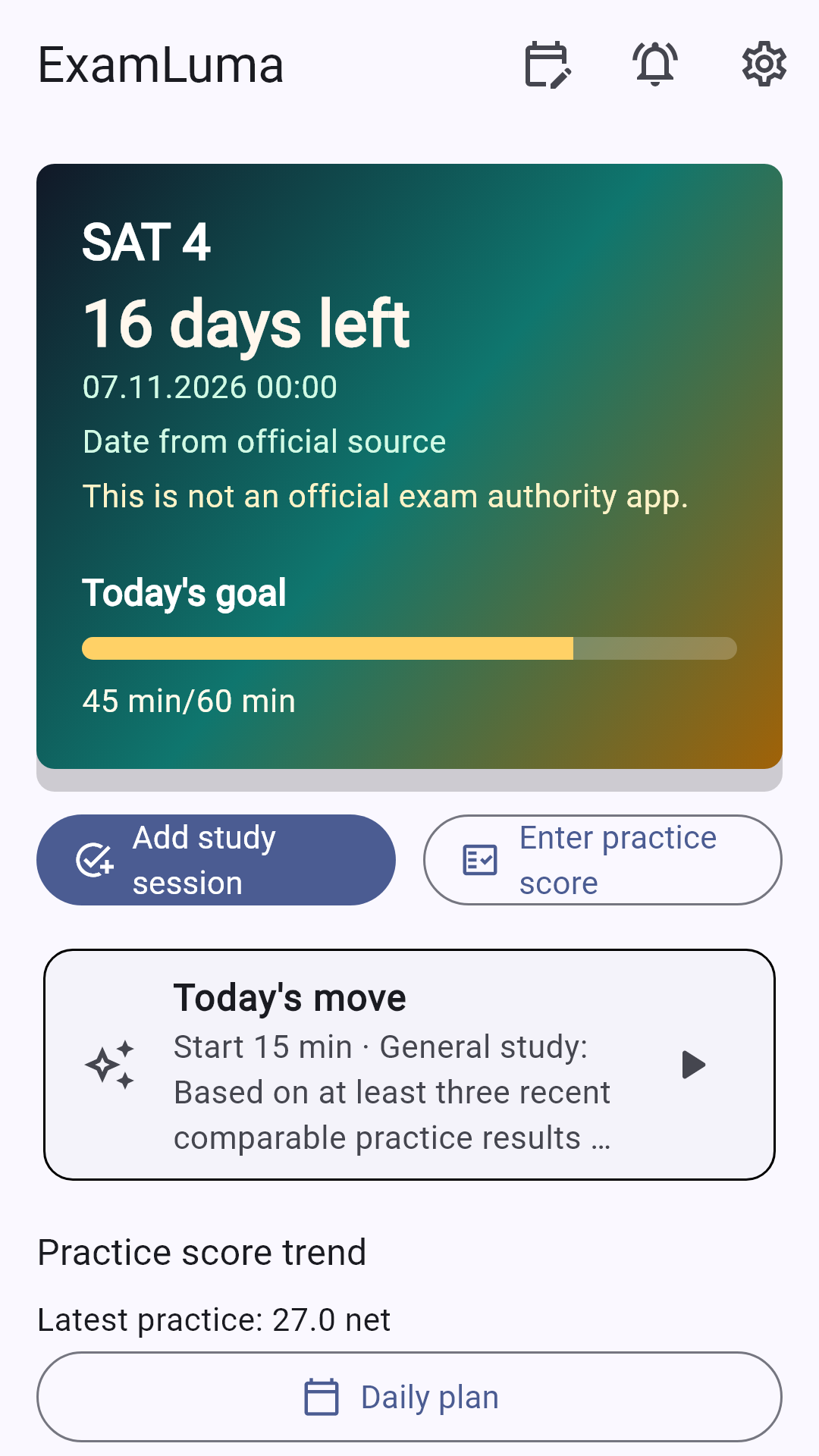
Keep track of your study plan in ExamLuma. ↗
Set a daily study goal and follow your progress. ↗
Record completed study sessions. ↗
Frequently asked questions
How do I know whether to practice typing or handwriting?
Find your subject on the College Board exam modes page. For a written response, practice typing if your exam is fully digital and handwriting from an onscreen prompt if it is hybrid digital.
Does the Bluebook AP preview give me a score?
The preview is untimed and unscored. Use it to learn where the directions, questions, and controls appear. Use course practice with scoring guidelines to check the substance of your answers.
What if my school manages the device I plan to use?
Ask your teacher or AP coordinator when Bluebook will be available on that device. Tell them the device you expect to use and any settings or accessories you need to try.
Sources
- How Are AP Exams Administered? · College Board · 2027
- AP Exams · College Board
- Practice on Bluebook · College Board