SAT Weekend Checklist: What to Bring and Set Up
For SAT Weekend, start with the device you will actually use and the physical ID you will show at check-in. Complete Bluebook setup on your own or school-provided device to get your ticket. If College Board approved a loaner, follow its pickup instructions and complete setup at the center.

Last updated:
Find your check-in items first
Lay out the physical photo ID you intend to take. Read the name on it and compare it with the name on your SAT registration. Check that the card and photo are clear, and that the document meets the requirements for your age and testing location. If you spot a mismatch, contact College Board while you still have time to resolve it. Put the ID in a pocket you can reach while standing in line. You will need to keep it with you at the center, including during breaks. College Board’s SAT ID requirements
This checklist covers SAT Weekend. If you take the SAT during the school day, use your school’s instructions to find out which device to use, how to complete setup and where to report. College Board’s device readiness guide
Match setup to the device you will use
Bringing your own device or one from school. Open Bluebook on that device, sign in and finish exam setup when it becomes available. Setup downloads your test and produces your admission ticket. For a school-managed device, check access while you can still reach someone at school who can help. An app that opens is a good start. Seeing your current admission ticket is how you know you have finished this part. College Board’s SAT device instructions
Picking up an approved College Board loaner. The order changes. College Board asks you to arrive 30 minutes before standard check-in, collect the loaned device and finish setup there to receive your ticket. Keep your loan approval instructions handy and make sure you can sign in to your account. If you still need a device, use the request process early and look for confirmation before planning around a loaner. College Board’s device lending instructions
Pack by where each item will go
- At check-in. Keep your acceptable physical ID and current admission ticket accessible. If you already have your ticket, print it if you can. Work out how you will recall your College Board username and password when you sign in. College Board’s packing list
- At your desk. Bring your fully charged testing device if you are supplying it, plus pens or pencils for scratch work. The center supplies scratch paper. If you prefer a handheld calculator for Math, check the rules for that model, clear stored documents as directed, and check the batteries. Bluebook also has an embedded calculator. College Board’s calculator policy
- In your bag. Pack the charging cable that fits your device and a snack or drink for the break if you want one. If you have approval for embedded text-to-speech, bring the wired headphones College Board specifies. Match other equipment to your own accommodation instructions. College Board’s packing list
- At home or stored as directed. Empty side pockets of study notes and loose paper. Leave your smartwatch and wireless earbuds at home. If you bring a phone for your trip, follow staff directions for storage throughout testing and breaks. College Board’s prohibited items policy
Confirm the entrance and your ride
Look up the street address and the arrival instructions for your specific center. A school may span a full block, so the spot where a map drops its pin can be a long walk from the entrance you need. Agree on a drop-off point with your driver or check the route from your transit stop. On test morning, open Bluebook and check your email for a last-minute change. If the location changes, give the new address to the person taking you. College Board’s test day instructions
Add pickup details to your test day plan. Pick a meeting place you can describe from memory, such as the public entrance on the same street as the bus stop. Agree on what your ride should do if you are still inside. That takes care of the arrangement before the phone goes into storage.
Try the bag at the door
Set the packed bag by the door, then pretend you have just reached check-in. Can you take out your ID and ticket while holding the bag? Is your device in the bag or still charging at your desk? Put a reminder on the handle if something has to stay plugged in overnight. If your ticket will come with a College Board loaner, use its pickup instructions for this check.
If the morning already feels rushed while you are still at home, try your SAT morning rehearsal with the bag packed and your departure time written down. You might discover that you have plenty of time for breakfast but need to move the device by the door before you put on your shoes.
How ExamLuma helps
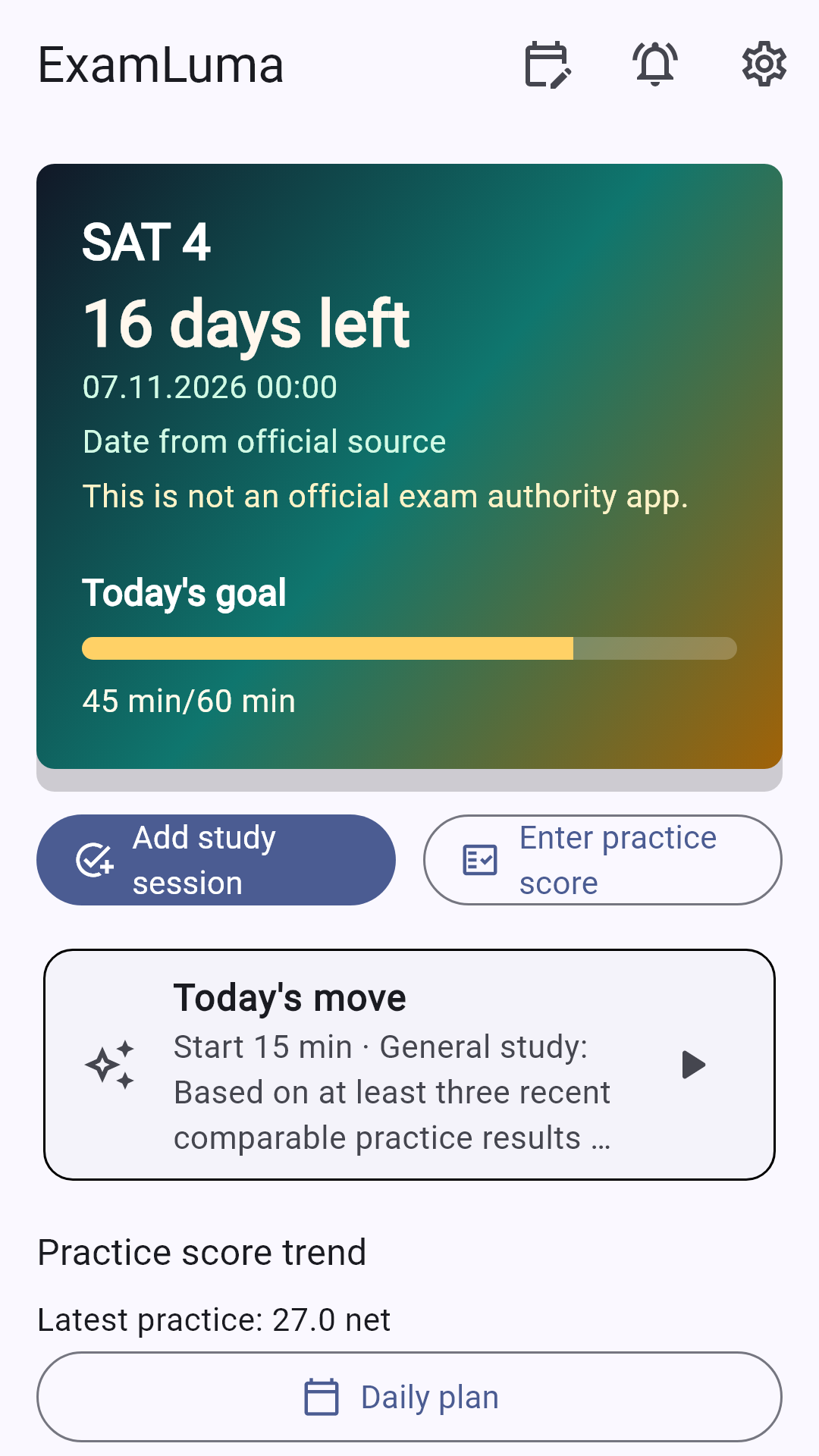
Keep track of your study plan in ExamLuma. ↗
Set a daily study goal and follow your progress. ↗
Record completed study sessions. ↗
Frequently asked questions
Can I show a picture of my ID at SAT Weekend check-in?
Bring the original physical photo ID that meets College Board’s requirements. Keep it accessible during the day and compare the name on it with your registration before you travel.
When do I get my ticket if College Board is lending me a device?
Follow the early arrival instructions for your approved loan. At the center, collect the device, sign in and finish exam setup to receive your admission ticket.
Can I use the calculator in Bluebook instead of packing one?
Yes. Bluebook includes a calculator for SAT Math. If you prefer your own handheld calculator, check College Board’s calculator policy for the exact model and features before you pack it.
Sources
- What to Bring on SAT Test Day · College Board
- SAT ID Requirements · College Board
- SAT Device Readiness · College Board
- SAT Device Lending · College Board
- Prohibited Devices · College Board
- SAT Suite of Assessments Calculator Policy · College Board
- What to Expect on Test Day · College Board