TORFL score and subtest result guide
A TORFL result is built from separate reading, writing, language-system, listening and speaking subtests. The certificate rules use percentage thresholds and allow a limited exception in one subtest. Read every line before planning a retake, keep level-specific raw totals separate, and turn the weakest language action into a focused practice cycle with new material.

Last updated:
A TORFL certificate should be read as a set of subtest results at one proficiency level. The TORFL exam overview introduces the assessment; this score guide focuses on thresholds and follow-up decisions. Keep the level, subtest names and percentage results together when you copy the report into your study or application notes.
Identify the level and all subtests first
The Pushkin Institute certification page describes 6 general levels, from A1–C2, and 5 subtests: Reading, Writing, Lexis and Grammar, Listening and Speaking. Each subtest represents a different language action and reveals a different study priority.
Raw maximum totals can differ between level forms. Compare raw totals within the same level form, and keep the official level name and subtest percentage beside every entry in your records.
Apply the threshold rule to every subtest
Under the Pushkin Institute’s current TORFL regulation, a passing result requires at least 66% of the total test value as well as the subtest conditions. A result of 60% is allowed in only 1 of the 5 subtests when each of the other 4 subtests reaches 66%. Use only that single exception.
The same Pushkin Institute regulation states that when only 1 subtest is failed, the passed subtest results remain valid for 2 years and only the failed subtest may be retaken. This two-year period is specifically a partial-result preservation window rather than a general certificate-expiry statement. Keep the result document and follow the current procedure of the authorized centre that will administer the retake.
Turn a result into the next Russian-language task
For reading, note whether the problem was vocabulary, text structure or inference. For writing, separate task fulfilment from organization and language control. In lexis and grammar, record the pattern that caused the choice. In listening, identify whether information was missed or misinterpreted. In speaking, distinguish planning, development, interaction and accuracy.
Choose one observable action and practise it with unfamiliar content. A passed subtest can stay in light maintenance while the failed or weakest subtest receives a longer block. Recheck the action after a delay so that improvement appears again on fresh material.
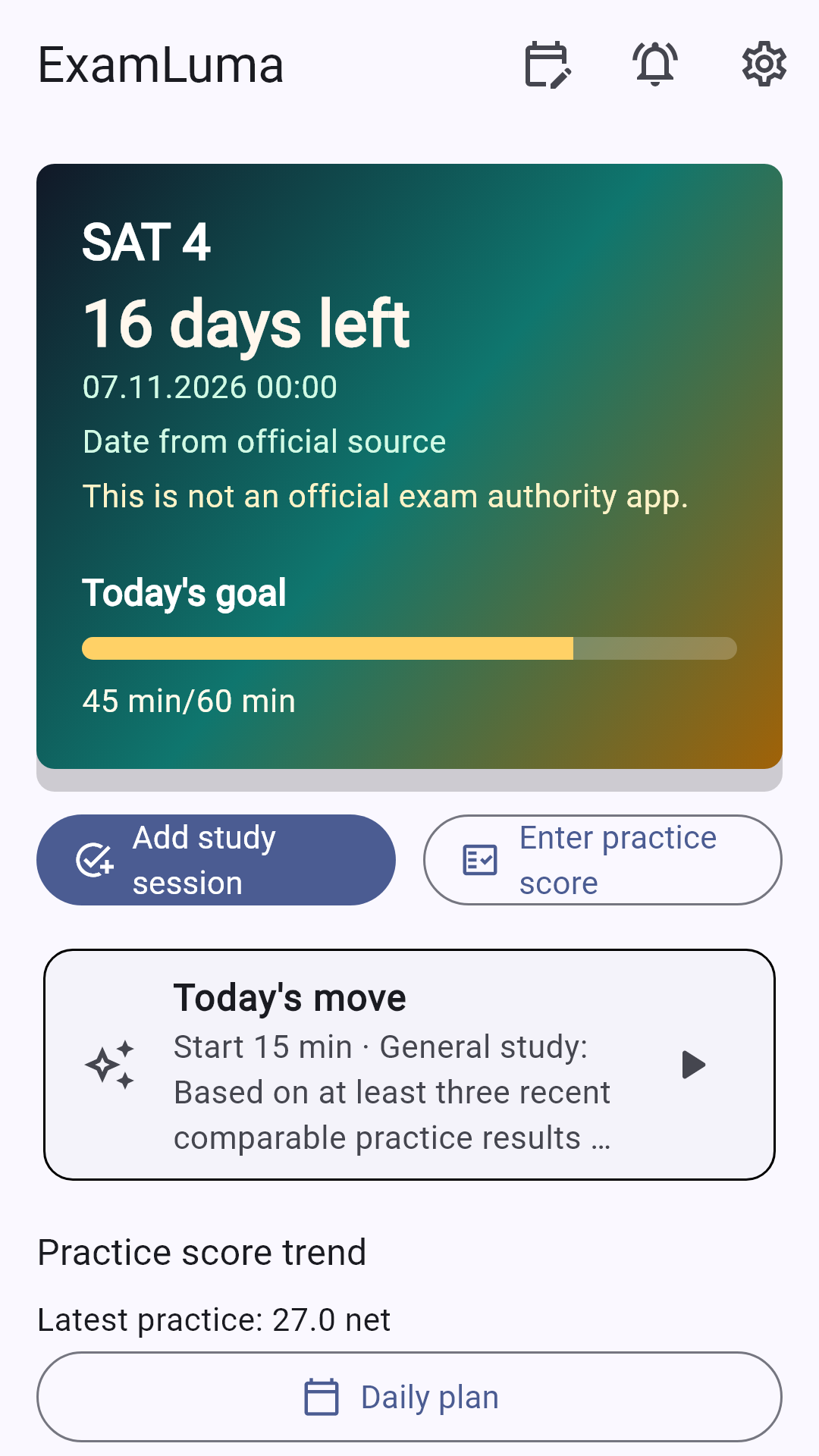
ExamLuma helps organize this cycle. Select TORFL as the target exam, follow the countdown, set a daily time goal and use the focus timer for a defined subtest task. Enter practice outcomes to follow the overall trend and use weekly study statistics to decide which Russian-language block comes next.
How ExamLuma helps
Keep track of your study plan in ExamLuma. ↗
Set a daily study goal and follow your progress. ↗
Record completed study sessions. ↗
Frequently asked questions
Can one strong TORFL subtest replace several weak ones?
The official rule applies a threshold to the subtests and allows only the stated limited exception. Read every result line rather than relying on an overall impression.
Do raw totals have the same meaning at every TORFL level?
Level forms can have different maximum raw totals, so compare the percentage and subtest rule for the level you actually took.
How should I prepare for a failed subtest?
Preserve the official result documentation, identify the first recurring language decision that failed and test the correction on unfamiliar material.
What does the partial-result window cover?
It preserves passed subtest results after a partial failure so that only the failed subtest can be retaken during the official window.
Sources
- TORFL Certification Levels · Pushkin State Russian Language Institute
- TORFL Examination Regulations · Pushkin State Russian Language Institute