VCE Study Scores, Grades and ATAR Scaling
Victoria's school-leaving results include course completion, graded assessments and study scores. The Victorian Curriculum and Assessment Authority issues raw study scores, while the tertiary admissions centre handles scaling and rank calculations. Read those outputs as distinct measures before planning a retake or comparing university entrance pathways.

Last updated:
A VCE statement brings together completion information and performance information. Begin with the VCE study and exam overview for the qualification’s structure, then read the Statement of Results as a record of several distinct decisions. A unit outcome, a grade on an assessed task and a comparative study score each tell you something different about your work.
Read the VCAA result before interpreting rankings
The Victorian authority’s result guide says that a completed Unit 3/4 study sequence has unit outcomes S or N, graded assessments and a raw study score with a maximum of 50. Study scores are whole numbers. The grades describe the assessment tasks; the score compares your performance with the group undertaking that study.
Keep your subject name beside its grade, outcome and study score. A strong piece of coursework can give useful feedback, while an examination result may reveal a different weakness. The most helpful next action comes from looking at the relevant assessment work rather than combining every label into a home-made percentage.
Recognise special reporting codes
According to VCAA’s results reporting handbook, a study score below 20 is reported to a student as <20. The code UN indicates that the study score is unavailable, with conditions that include more than one graded assessment marked NA or an unsatisfactory Unit 3/4 sequence. Each symbol has an administrative meaning that should be retained when saving results.
This distinction is useful if a mark seems absent. Rather than inserting a guessed value, consult the actual statement and the authority’s explanation. Keep an original copy for any subsequent enquiry through your school.
Leave the scaling stage to the tertiary admissions process
VCAA distinguishes its own role from VTAC: VCAA produces raw study scores, while VTAC creates scaled subject scores and the ATAR, with an upper rank of 99.95. An identical raw score in different studies therefore belongs in separate subject rows until the published scaling process is applied.
For university entry, read programme prerequisites and selection information alongside the official VTAC record. A raw VCAA study score answers how you performed in that subject; the admissions rank answers a separate comparative question.
Turn feedback into a precise next attempt
Review marking guidance for your weakest assessed component. If an explanation lacked supporting detail, practise linking a claim to a source. If a calculation went wrong, record the first decision that failed and test a corrected method on unfamiliar problems. The goal is a stronger response, supported by demonstrable changes.
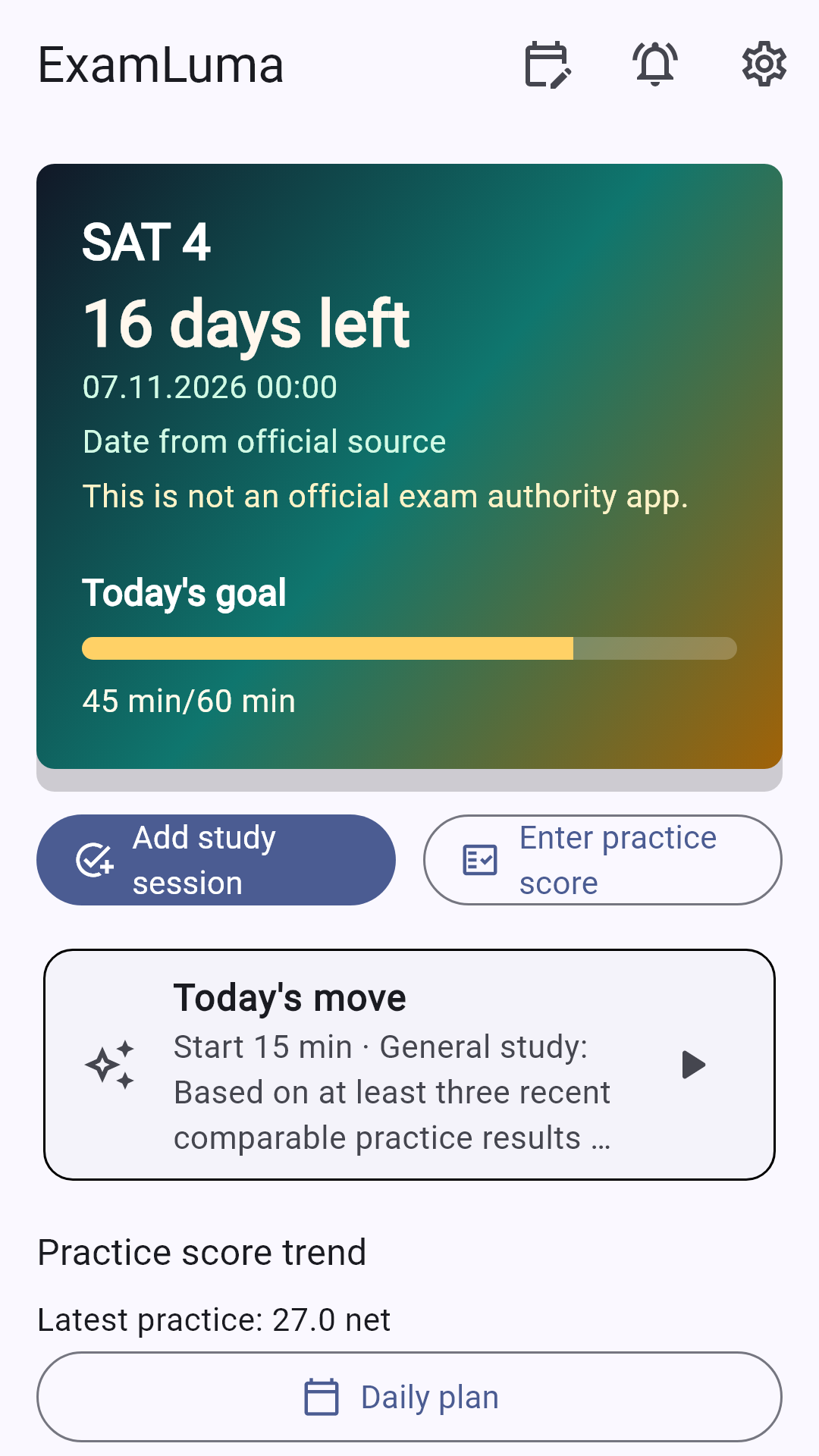
In ExamLuma, select VCE as the target, use the countdown and daily study-time goal, and run a focus timer for the chosen subject task. Enter correct, wrong and blank practice counts yourself to follow general trends and weekly study statistics.
How ExamLuma helps
Keep track of your study plan in ExamLuma. ↗
Set a daily study goal and follow your progress. ↗
Record completed study sessions. ↗
Frequently asked questions
What does a VCE study score indicate?
It compares performance among students taking the same study; VCAA reports raw study scores as whole numbers.
Who scales VCE results for university entry?
VTAC handles scaled subject scores and the university admission rank, using VCAA results as inputs.
How should I handle an unavailable study score?
Use the official statement code and the VCAA explanation for circumstances in which a study score is unavailable.
Sources
- About VCE results and ATAR · Victorian Curriculum and Assessment Authority
- VCE results reporting to schools · Victorian Curriculum and Assessment Authority