SAT Error Log Guide: Track and Fix Missed Skills
A personal SAT error log turns missed practice questions into clear study targets across Reading and Writing and Math. Write down the tested concept, your mistaken approach, the correction, and a follow-up task. This guide shows filled records and a review schedule you can use alongside your study-time records in ExamLuma.
Last updated:
Keeping a compact SAT error log helps you turn missed questions into targeted daily practice instead of repeating the same habits. Rather than rereading an entire test from start to finish, you capture the exact skill that tripped you up, write down how to fix it, and schedule a short follow-up drill.
What to Record in Your SAT Error Log
According to College Board’s study plan guide, effective preparation starts with examining your practice results and understanding why you missed specific questions. After finishing a Bluebook practice test, open College Board’s My Practice to read the explanations for every answer choice, including the distractors that tempted you. For a separate topical drill, use the explanations supplied with that question set. Then add your own notes on whether you guessed or solved a problem too slowly.
Tag every entry with the official test domain so patterns stand out quickly. On the SAT Reading and Writing section, group entries under Information and Ideas, Craft and Structure, Expression of Ideas, or Standard English Conventions. On the SAT Math section, sort mistakes into Algebra, Advanced Math, Problem-Solving and Data Analysis, or Geometry and Trigonometry. When you check the section breakdown in our SAT exam guide, you can match these logged domains directly to your upcoming study blocks. Research in the IES study guide supports identifying knowledge gaps, studying worked examples alongside independent problem solving, and spacing your review across separate days.
Sample plan: Filled Error Log and 7-Day Review Routine
1. Filled Error-Log Rows
Keep each entry concise so you can scan your notebook in 5 minutes before starting a drill.
| Domain & Concept | Mistaken Approach | Corrected Approach | Next Drill |
|---|---|---|---|
| Algebra: Linear equation setup from a word problem | Multiplied the flat one-time fee by the variable $x$ instead of applying the rate only to the per-hour quantity, writing $15x + 40x = 190$. | Attach the variable only to the changing rate and keep the starting fee constant: $40x + 15 = 190$, so $40x = 175$. | Solve 8 linear word-problem setup questions in 15 minutes, writing the equation before touching the calculator. |
| Standard English Conventions: Sentence boundary decision | Joined 2 complete independent clauses with only a comma because the second clause started with a transition word like however. | Test whether both clauses can stand alone as full sentences; separate 2 independent clauses with a period, a semicolon, or a comma plus a coordinating conjunction. | Complete 10 punctuation and clause-boundary questions in 12 minutes, underlining the subject and verb in each clause. |
2. Reworking Logged Mistakes
Follow 3 steps whenever you revisit an entry:
- Cover your notes and solve the original problem from scratch on blank paper within 2 minutes.
- Compare your new steps against your corrected-approach column to verify that you wrote the proper equation or grammar check.
- Immediately solve 4 to 6 fresh questions on the same skill to confirm the habit holds under time pressure.
3. 7-Day Error-Log Review Schedule
- Day 1 (30 minutes): Review Bluebook results in My Practice and log 4 Algebra and Standard English Conventions errors with full corrections.
- Day 2 (25 minutes): Rework your logged linear-equation entries from scratch, then complete a 15-minute untimed Algebra setup drill.
- Day 3 (25 minutes): Rework your sentence-boundary entries and finish a 15-minute punctuation drill.
- Day 4 (30 minutes): Log missed questions from Problem-Solving and Data Analysis and Craft and Structure, writing 1 clear rule per row.
- Day 5 (25 minutes): Run a mixed 20-minute retrieval quiz covering linear equations and clause boundaries, plus 5 minutes of self-checking.
- Day 6 (35 minutes): Re-solve every entry logged during Days 1 and 4 with your notes covered, flagging any item that still feels slow.
- Day 7 (20 minutes): Review your error-log notes and choose 2 domains for next week’s focus blocks; check study time by subject in ExamLuma.
Track Your Follow-Up Sessions in ExamLuma
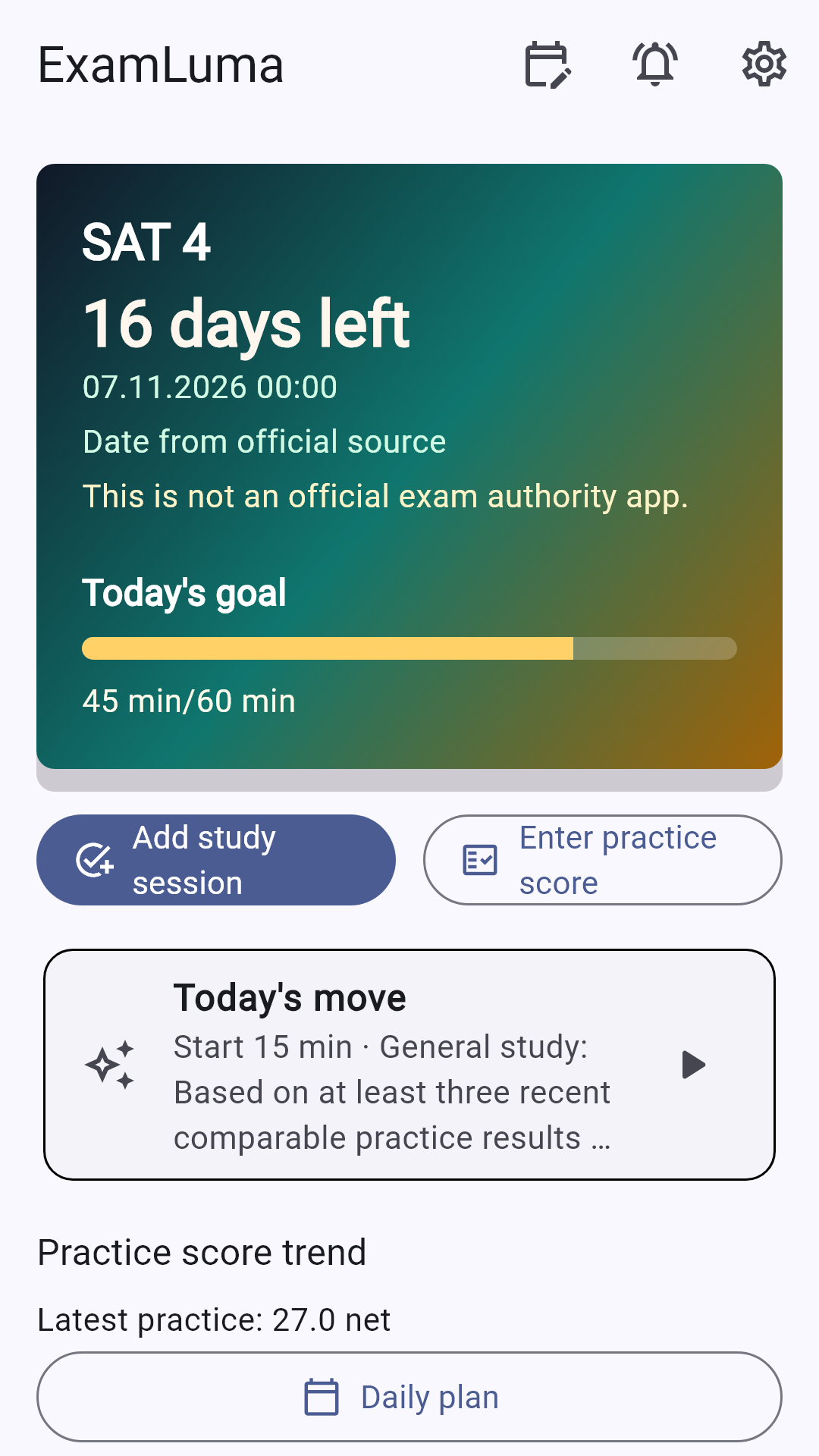
An error log works best when you turn your notes into scheduled study time. You can map out your week in our printable weekly study planner and then open ExamLuma on your phone to set your daily study-time goal. Start a focus session whenever you drill a logged Math or Reading and Writing skill; when you finish, that time is recorded under the subject automatically. After each full practice test, record your results and check your weekly statistics to see your study consistency build.
How ExamLuma helps
Keep track of your study plan in ExamLuma. ↗
Set a daily study goal and follow your progress. ↗
Record completed study sessions. ↗
Frequently asked questions
When should I add a question to my SAT error log?
Add any question you missed, guessed on, or solved too slowly during a drill or full Bluebook practice test. Recording slow or lucky answers helps you spot shaky concepts before your next timed session.
What columns belong in a compact SAT error log?
Include the official domain and skill, your mistaken approach, the corrected rule or setup, and the next drill you will run. Keeping each entry short makes it easy to reread before you start practicing.
How do I use College Board My Practice with my personal notebook?
Open My Practice to read the official explanation for every answer choice, then summarize the core lesson in your own words inside your notebook and add a personal tag if you guessed or ran short on time.
How does ExamLuma fit into an error-log routine?
Use ExamLuma to set your daily study-time goal, run a focus timer while you rework logged topics, and track your completed study hours and practice-test records across the week.
Sources
- Build Your SAT Suite Study Plan · College Board
- My Practice 101 · College Board
- The Reading and Writing Section · College Board
- The Math Section · College Board
- Organizing Instruction and Study to Improve Student Learning · Institute of Education Sciences · 2007