Digital SAT Math Study Plan and Desmos Calculator Guide
Build your Digital SAT Math preparation around algebraic models and deliberate calculator choices. For a word problem, write down the core relationship on scratch paper, then choose mental math, algebra, or a graph to find the requested value. Use your practice results to select the next topic and track your study sessions in ExamLuma.
Last updated:
For a multi-step word problem, write down the mathematical relationship on scratch paper and circle the quantity you need to find. On the SAT, the Math section tests Algebra, Advanced Math, Problem-Solving and Data Analysis, and Geometry and Trigonometry (College Board). Pairing clear scratch-paper models with deliberate calculator choices keeps your work accurate from the first question to the last.
How to combine scratch work with the Bluebook calculator
According to the College Board calculator policy, Bluebook embeds both graphing and scientific Desmos calculator options for the entire Math section. Practicing with the built-in tool ahead of test day helps you choose when calculation genuinely saves time.
Set up the mathematical model on paper
Read the prompt and translate the word problem or geometry diagram into a clean equation, inequality, or ratio on your scratch paper. Identifying the exact variable you need prevents the common trap of solving for an intermediate value instead of the final expression requested by the prompt. When you alternate between studying a worked example and solving a fresh problem on your own, a method recommended in the IES study guide, you train yourself to recognize which algebraic structure fits each new scenario.
Choose between algebraic solving and calculator verification
Once your model is on paper, pick the most direct path to the solution. Use substitution or factoring when those steps settle the equation clearly. When an equation involves messy decimals, systems of equations, or function intersections, enter your validated setup into the Bluebook calculator to compute or check the result.
Audit every mistake after Bluebook practice
After finishing a practice set, open College Board My Practice to inspect your results and read the explanations for all answer choices, including the distractors you eliminated. Ask yourself why each step in the solution works and where your own model diverged. Spacing these retrieval sessions across your calendar, rather than cramming a single domain in one sitting, strengthens your recall across the Math domains.
Sample plan: 1 practice week
Use this 7-day rotation to balance concept drills, calculator fluency, and error analysis within your weekly study plan.
Day 1: Algebra and linear systems
- 45 minutes: Study 4 worked examples on 2-variable linear systems, then solve 12 independent practice questions modeling cost and revenue constraints on scratch paper before checking intersections in Desmos.
Day 2: Advanced Math and quadratics
- 45 minutes: Complete 10 vertex-form and factoring problems on parabola projectile paths, writing the target expression first and verifying roots with the graphing calculator.
Day 3: Problem-Solving and Data Analysis
- 40 minutes: Work through 12 questions on unit conversions, ratios, and percentage change using retail discount scenarios, relying on the scientific calculator option for decimal arithmetic.
Day 4: Geometry and Trigonometry
- 45 minutes: Solve 10 problems on circle equations, arc length, and right-triangle ratios, sketching each figure on paper before computing final values.
Day 5: Mixed retrieval quiz
- 35 minutes: Take a timed 15-question mixed set covering linear functions, exponents, and data tables from memory to test retrieval across domains.
Day 6: Bluebook review and error log
- 50 minutes: Open your latest Bluebook result in My Practice and examine the missed and personally flagged questions, write out the corrected algebraic setup for 6 flagged items, and re-solve 6 similar problems.
Day 7: Targeted spacing drill
- 30 minutes: Revisit 8 questions from your 2 lowest-scoring topics of the week to reinforce the setups before starting the next cycle.
Track your SAT Math prep with ExamLuma
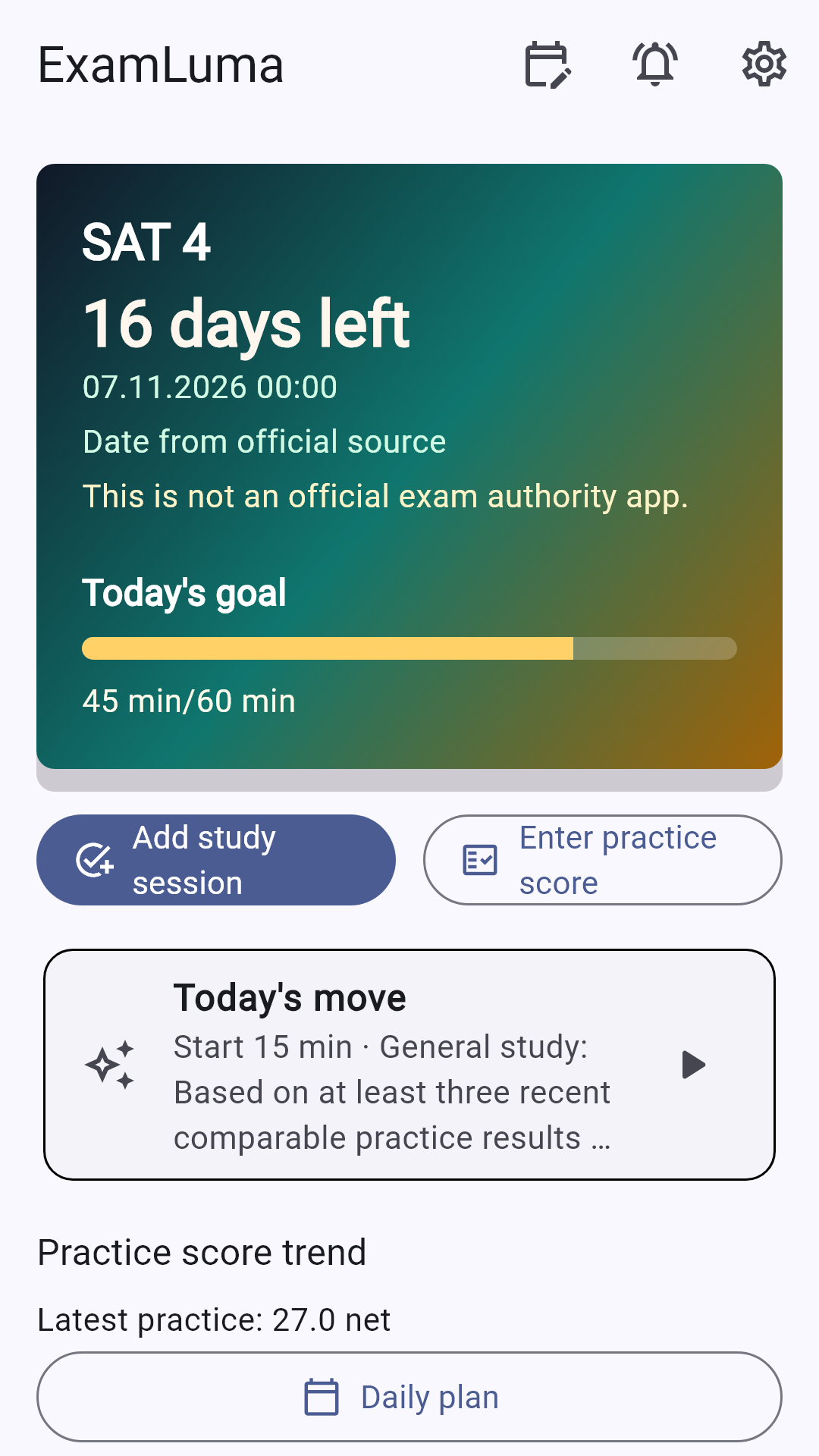
Select the SAT in ExamLuma and set your daily study goal to keep your math practice consistent. Start a focus session whenever you sit down for Algebra or Geometry drills; when you finish, your completed time is automatically added to your Math study log. Record your practice results after each test and check your weekly statistics to see your study hours and scores grow side by side.
How ExamLuma helps
Keep track of your study plan in ExamLuma. ↗
Set a daily study goal and follow your progress. ↗
Record completed study sessions. ↗
Frequently asked questions
What topics are tested on the SAT Math section?
College Board tests Algebra, Advanced Math, Problem-Solving and Data Analysis, and Geometry and Trigonometry across the section.
Which calculators are built into the Bluebook testing app?
Bluebook embeds both graphing and scientific Desmos calculator options for use throughout the entire Math section.
Should I use the Desmos calculator on every SAT Math question?
Writing out a mathematical model on scratch paper first helps you decide whether quick algebra or calculator entry is faster for a given problem.
How should I review my Bluebook practice test mistakes?
Open College Board My Practice to read the explanations for every answer choice, then solve a fresh problem on the same concept from memory.
Sources
- The Math Section · College Board
- SAT Suite Calculator Policy · College Board
- My Practice 101 · College Board
- Organizing Instruction and Study to Improve Student Learning · Institute of Education Sciences · 2007