How to Use Bluebook SAT Practice Tests Effectively
Use a Bluebook preview to learn the controls, then reserve a fresh full-length SAT for a question you want the results to answer. Book time to examine your answers before you start the test. Let what you learn in that review determine when another full-length test belongs on your calendar.

Last updated:
Decide what you want to learn before you choose a test
Imagine you have a free Saturday morning and a long history assignment due Monday. A full SAT might fit on Saturday, yet the first chance to look at your answers might be after the details have faded. Open your calendar and book the review appointment first. Work backward to find a testing window that leaves both appointments intact. If the next few days are crowded, a short set of questions on the skill you are learning can make better use of that opening.
Give the test a job you can describe in a sentence. “Find out where my Math setup breaks down under the clock” gives you something to look for. “See whether I return to the passages I mark” does too. A first attempt can answer a broader question about how it feels to finish both sections. Write the question on a card and set it aside until you finish.
Choose a preview or a fresh SAT
In Bluebook, sign in and open Practice and Prepare. A preview lets you try the interface at your own pace. It gives you room to experiment with the calculator, change an answer and find a bookmarked question. A full-length practice SAT gives you a timed experience and, when you use your College Board student account, a score you can open in My Practice. Select the practice accommodations that match your approval if you use them. College Board’s Bluebook practice instructions
If a tool is what keeps stopping you, use the preview until you can carry out the whole action. Try marking an item, moving ahead and finding it again through the question menu while the same module is open. In Math, move the calculator away from the part of the problem you want to read. College Board’s guide to Bluebook tools
For a full attempt, choose a form you have yet to work through. Keep a short list of forms you have used, including any whose solutions you studied elsewhere. A familiar problem is handy for rehearsing a method. Recognizing the answer makes it harder to tell whether you could have found it on your own.
Keep the result attached to the conditions
Write the form name and your purpose in your calendar entry. Use the device and scratch-work setup you intend to use for the SAT. Finish the attempt before opening explanations. After you finish, record anything that changed the experience while you still remember it. A long interruption during Reading and Writing or a dead calculator battery belongs beside the result. Those details give you a fairer comparison when you look back at your next attempt.
Open My Practice with the same credentials you used in Bluebook. The score details show what you chose, the correct answer and explanations. Pick a question that speaks to your original purpose. If you were testing your Math setup, find an item where you had the right quantities but wrote a relationship that ran in the wrong direction. Use that item to start your practice test review. College Board’s My Practice guide
Sample plan
- Thursday, 15 minutes. Try the preview on your testing device. Mark a question and find it again. Put a fresh SAT form on Saturday’s calendar and reserve a Sunday review appointment.
- Saturday, full practice test. Use the timing built into Bluebook. Afterward, write down the form name and a detail you want to investigate while the session is still fresh.
- Sunday, 25 minutes. Choose a Math item where the direction of a rate gave you trouble. Write the units beside each quantity. Then work a fresh rate question with a different context.
- Wednesday, 15 minutes. Pick a problem that asks for the reverse rate. Cover the choices and set up the relationship. Compare the units in your result with the units the question asks for.
Decide whether another full test is worth the time
Look at the fresh problem first. If the units still point in the wrong direction, use your next opening for SAT Math practice and explain why the numerator represents the quantity being requested. If you can build and check the relationship on an unfamiliar problem, give the next full test a narrower job. See whether you still write the units when other kinds of Math questions surround the rate problem. Now the calendar entry tells you both why you are testing and what you will do with the result.
How ExamLuma helps
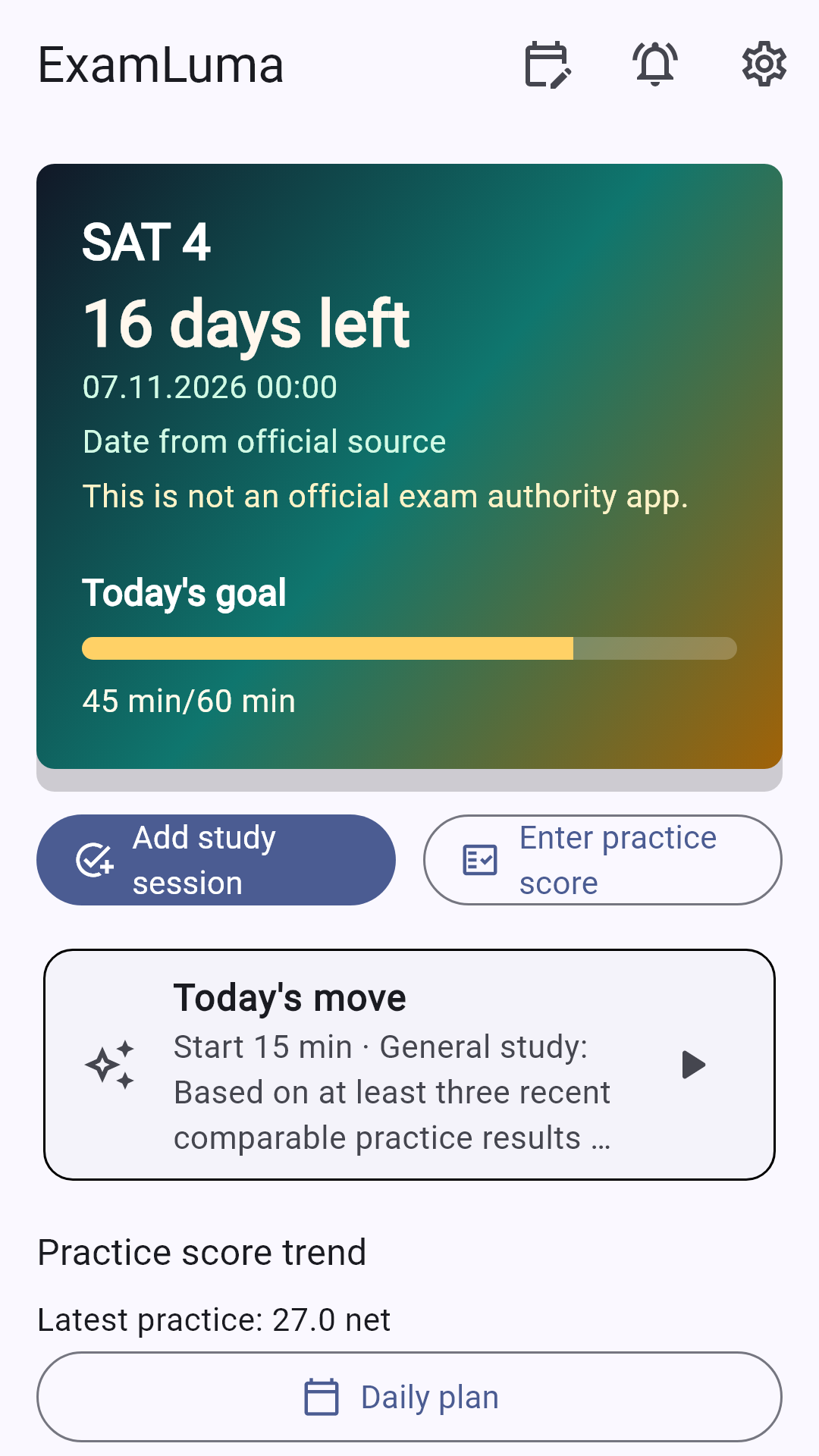
Keep track of your study plan in ExamLuma. ↗
Set a daily study goal and follow your progress. ↗
Record completed study sessions. ↗
Frequently asked questions
Which Bluebook activity should I start with?
Choose the preview if you want to try the controls. Choose a fresh full-length SAT if you already know the controls and want a timed picture of your work across both sections.
How often should I take a full-length practice test?
Set the next appointment after you have tried a change on fresh questions. Leave room in your calendar for reviewing the last test and practicing the skill you chose from it.
What can I learn from repeating a practice test?
Use a familiar question to explain the reasoning or rehearse a calculator move. Save a fresh form for checking how you handle unfamiliar work under the clock.
Sources
- Practice on Bluebook · College Board
- My Practice 101 · College Board
- Bluebook Testing Tools · College Board